Desktop-Operating Agent Vendors for Healthcare Workflow Automation
Desktop agents navigate healthcare's fragmented systems where RPA fails and APIs don't exist.
Desktop-operating agents are an AI alternative to RPA for EHR workflow automation because they interpret screens independently of fixed interface selectors. For healthcare buyers comparing automation for Epic and Athena workflows, semantic screen understanding is the architectural basis for resilience when layouts change. Vendor evaluation must establish whether that capability extends to complete cross-system workflows, with accountable performance and appropriate controls for patient data.
What replaces RPA bots that break when an EHR interface changes
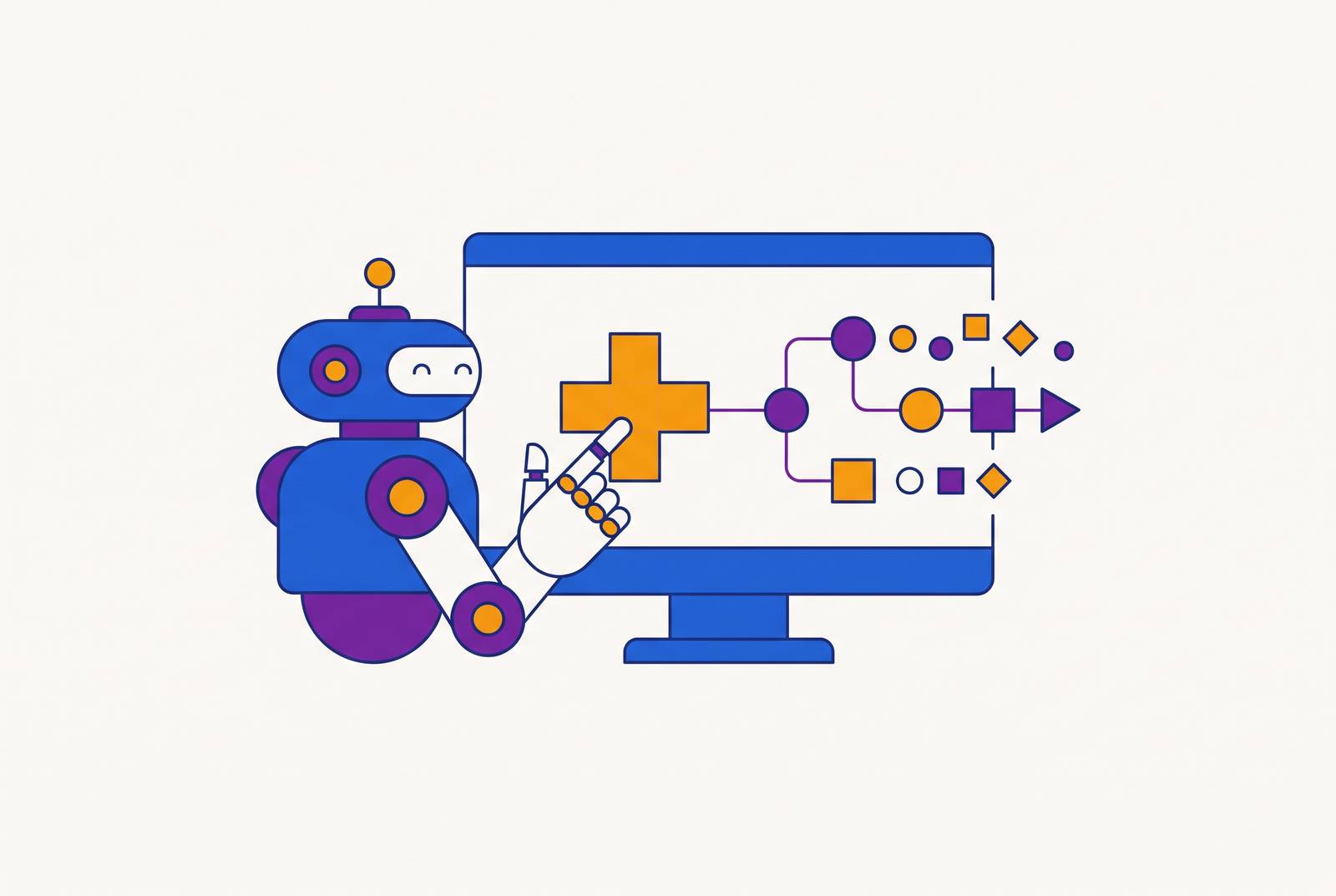
Desktop-operating agents interact with software through its graphical user interface, reading screens, clicking, typing, and navigating as a human operator would. The interface is their operating surface. They can perform transactions without a backend connection for each one, which API-dependent automation needs. That distinction defines the category more precisely than the general label “AI agent,” which says little about how a product reaches the software it automates.
Traditional RPA relies on fixed selectors, including XPath, CSS paths, and pixel coordinates, while vision-language-model-based agents identify elements semantically, such as “the Schedule button” or “the Patient Name field.” Semantic recognition allows adaptation when an element moves. Voice AI handles the phone channel, whereas desktop agents handle screen-based work before, during, and after calls, including eligibility lookup and EHR write-back. API-dependent tools face a different constraint because most EHR and payer portal workflows lack comprehensive public APIs.
Why healthcare specifically produces workflows that GUI-based agents are uniquely positioned to handle
Healthcare has a high volume of administrative work that crosses systems with limited API coverage. Its applications were built for human navigation. A single scheduling interaction can require three or four applications, while prior authorization touches the EHR, a payer portal or fax workflow, and sometimes a clearinghouse. Those systems do not share a unified API layer. Consequently, automating one accessible step can leave staff responsible for the navigation between it and the next system.
Revenue cycle, claims management, prior authorization, scheduling, and cancellation recovery concentrate this burden. Each involves work across legacy interfaces, payers, or platforms. GUI operation reaches transactions that structured integrations do not cover. Its value depends on whether the agent completes those transactions across the systems involved.
The CMS Interoperability and Prior Authorization final rule (CMS-0057-F) requires covered payers to support electronic prior authorization through a FHIR-based Prior Authorization API by January 1, 2027. The rule strongly recommends the Da Vinci Prior Authorization Support IG but does not make it a formal requirement. This is a tailwind for future electronic prior authorization. Portal-based and phone-based payer interactions still require attention, while broader data standards do not by themselves resolve fragmented exchange. USCDI v6 was published in July 2025 with new data elements, and Draft USCDI v7 followed in January 2026 with further expansion, yet vendor lock-in, partial integrations, and data silos leave exchange inconsistent.
The market landscape and the vendor types adjacent to desktop-operating agents
The market separates into four approaches, namely EHR-native agent builders, enterprise agentic platforms, voice-first RCM specialists, and desktop GUI agents. Their boundaries are an evaluation signal. EHR-native products handle work within their own ecosystems, while integration-dependent platforms use structured connections to reach systems. Voice specialists handle phone work, and desktop agents navigate screens. Comparing these products without first identifying the workflow gap leads buyers to test capabilities that the product was not designed to provide.
Oracle Health launched the Oracle Health Clinical AI Agent for documentation and next-step recommendations across a wide range of specialties. eClinicalWorks introduced the AI API Workbench, while athenahealth launched athenaConnect and previewed a Model Context Protocol (MCP) server. These tools are part of the EHR ecosystem layer. Their relevance is strongest when the workflow stays within that ecosystem, rather than requiring independent navigation of other EHRs and payer portals.
Kore.ai positions its enterprise platform across patient service, contact centers, and payer operations, with pre-built healthcare agents and HIPAA-compliant governance. ServiceNow and Sierra AI occupy the same enterprise tier, while Avaamo and Hyro specialize in patient-facing voice and contact center automation. Structured integrations determine these platforms’ operational reach. APIs, FHIR, and HL7 connections provide access where those connections exist, rather than a general ability to navigate arbitrary interfaces.
Among voice-first RCM specialists, Prosper AI covers patient access and payer calls across scheduling, reminders, billing, benefits verification, prior authorization, claims, EOB, and denial workflows. Its offering includes a HIPAA BAA and SOC 2 Type II. SuperDial focuses on outbound payer calls for eligibility, prior authorization, claims status, and credentialing, while Hyro covers contact center routing, scheduling, and prescription refills. Phone completion is distinct from screen completion. Anyreach occupies the thinner desktop-agent segment, building MCP-protocol agents that navigate Epic, eClinicalWorks, and Athena through GUI interaction for healthcare BPO workflows lacking modern APIs.
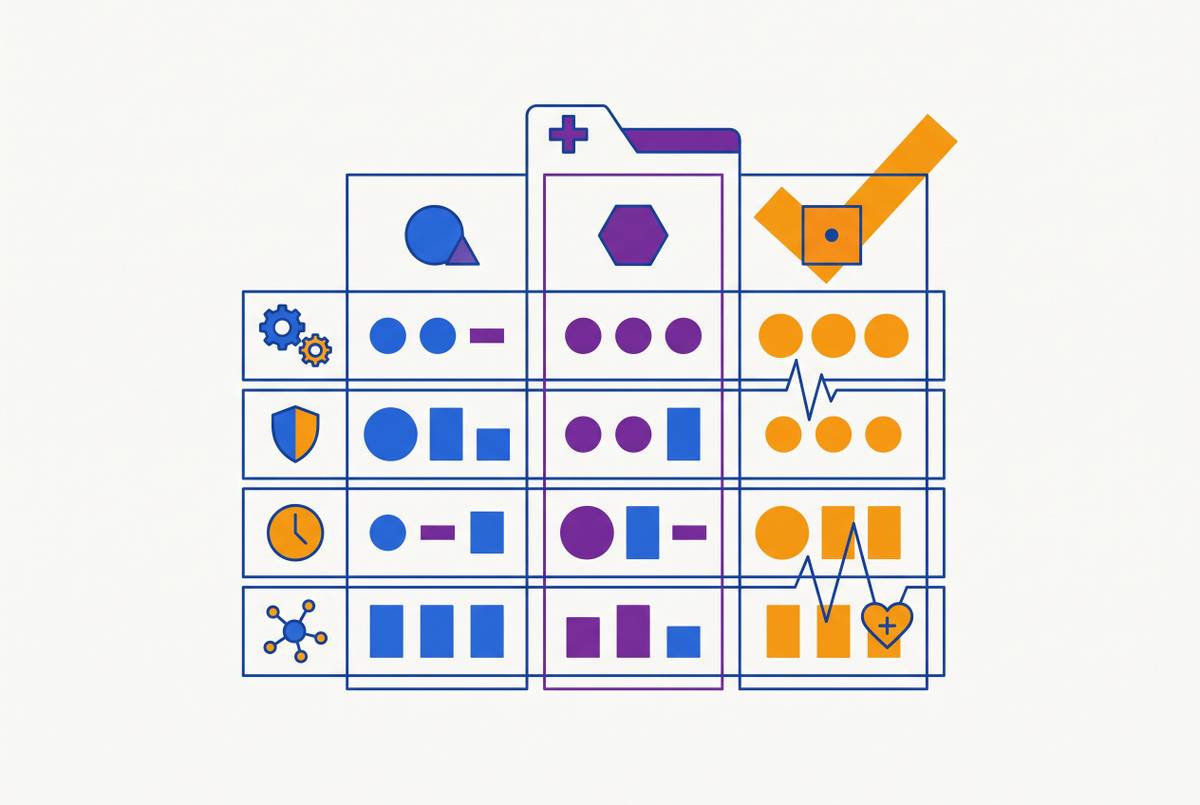
The six evaluation dimensions that distinguish capable desktop-operating agents from capable-sounding ones
Semantic screen understanding is the first dimension, and its named evaluation test is the UI-update test. Buyers should ask how the agent identifies interface elements and what happens when an EHR update changes their layout. The distinction is semantic recognition versus positional mapping. An answer that depends on manual remapping indicates RPA-style operation rather than the adaptation expected from a desktop agent. This is the central architectural test for buyers seeking a replacement for brittle EHR bots, but it does not establish end-to-end workflow capability by itself.
Cross-system workflow completion supplies that next test through the handoff-count test. Buyers should map a demonstrated workflow against an actual staff process, then count the system handoffs the agent completes and those it returns to a person. Completion must extend beyond the first application. Prior authorization, denial appeals, and referral scheduling can cross EHRs, payer portals, clearinghouses, and phone or fax channels. Automating the EHR portion alone leaves the remaining transaction with staff, even if that portion performs well.
Deployment architecture and time-to-live uses the day-one IT test to distinguish GUI-native operation from an integration project. Buyers should ask exactly what the vendor needs from IT before deployment. GUI operation should not require new backend access. API keys, HL7 feeds, custom middleware, and integration contracts are warning signs when they are prerequisites for a product claiming GUI-based execution. The expected deployment model is measured in weeks, with minimal IT involvement and existing staff credentials rather than new infrastructure or EHR vendor cooperation.
Buyers must check Compliance architecture with a PHI-path and audit-log test as well as a review of certificates. At a minimum, an agent that touches PHI needs a signed BAA and proof that its SOC 2 Type II controls work. Buyers should request the audit log architecture and establish where screen-captured PHI goes, how it is stored, its retention period, and who can access it. The review should also cover session data, any model fine-tuning on patient data, and the audit trail for every agent action.
Workflow configuration depth is tested through the real-exception test. Buyers should bring two or three exceptions from their own work, such as a payer’s non-standard authorization form, a multi-location scheduling rule, or a specialty-specific denial appeal pathway. Then they should ask how long configuration takes. Independent practices, multi-location groups, PE/MSO portfolios, and enterprise health systems have different protocols and escalation paths. A fixed template may deploy quickly but stop at those differences, while months of custom engineering erase the speed advantage of GUI-based deployment.
Buyers check Performance measurement and KPI accountability with the deployment-results test. Buyers should ask which KPIs the vendor committed to in its last three deployments and whether it met them. Measures should expand on “hours saved” with workflow-specific measures, including authorization approval rate, claim first-pass acceptance rate, schedule fill rate, or cancellation recovery rate. The buyer and vendor should agree to those commitments when deployment starts and use them to test whether the agent works as well as trained staff are expected to.
How the framework applies to the highest-priority workflows, including prior authorization, claim denial, and scheduling
Prior authorization is the hardest test of cross-system workflow completion. The agent must detect an order, procedure, or medication trigger, check authorization requirements, gather documentation, complete the payer questionnaire, and submit through the appropriate portal, fax, or FHIR/X12 channel. Status tracking must lead to authorization-number write-back or an appeal task after denial. Trigger detection alone is only a notification. The covered-payer scope of the CMS rule also leaves buyers needing to evaluate both the emerging API path and the legacy portal and fax work outside its reach.
Claim denial appeals show how semantic screen understanding and workflow configuration depth help with the work. The agent must read the denial reason, find missing or incorrect documentation, put together a corrected claim or appeal with supporting materials, and send it through the payer’s preferred channel. Different payer layouts test navigation beyond one interface. Up to 65% of denied claims are never resubmitted, making the labor of moving across portals a consequential bottleneck. The demonstration should show the agent preparing documents, moving across payer interfaces, and handling the practice’s own appeal exceptions.
Patient scheduling tests deployment architecture as well as cross-system workflow completion. End-to-end execution includes checking the provider’s EHR template and availability, verifying eligibility, calculating cost share, sending confirmation, and writing the encounter back to the EHR. Referrals add another boundary between provider systems. A proposed solution that requires a scheduling API integration has integration-dependent execution. Vendors should demonstrate these three workflows with the buyer’s processes and exceptions, rather than rely on showcase cases they choose on their own.
What a structured vendor evaluation process looks like in practice, and where desktop-operating agents fit in the broader stack
A structured buying process begins by scoping the workflow gap. The buyer should map every system a staff member touches and distinguish API-accessible steps from those requiring GUI navigation. The proportion of GUI-dependent work guides category selection. If most steps already have API access, an API-first platform may be appropriate. If the bottleneck is navigation through legacy EHRs or payer portals, desktop operation addresses the missing layer.
The second stage is a structured demonstration against all six dimensions. The buyer should supply a real exception rather than accept only the prepared script, then examine UI-update behavior, completed handoffs, deployment requirements, audit logs, configuration effort, and prior KPI commitments. Architecture must show up in workflow execution. This stage connects the vendor’s technical claims to the exact systems and rules identified during scoping. A successful single-system task should not stand in for the cross-system process being purchased.
The third stage is a contained pilot with agreed KPIs before full deployment. It should cover one workflow at one location over a short time, with agreement on how to measure success before work begins. The timing of that agreement is important. A vendor claiming staff-member quality should welcome an accountable test, while resistance to specific KPI commitments is a signal for the buyer to weigh.
Desktop agents can work alongside tools that serve other layers. EHR-native tools, including Epic’s Agent Factory, the Clinical AI Agent, and athenaConnect, are appropriate for work contained within their respective ecosystems. A practice using both voice and EHR-native tools can still have an unresolved cross-system administrative gap. The purchasing decision is whether a vendor can close that specific gap under the six tests, or whether its architecture serves a different layer despite using the same agent language.